Paper Calm at Home: Simple Filing & Digital Declutter
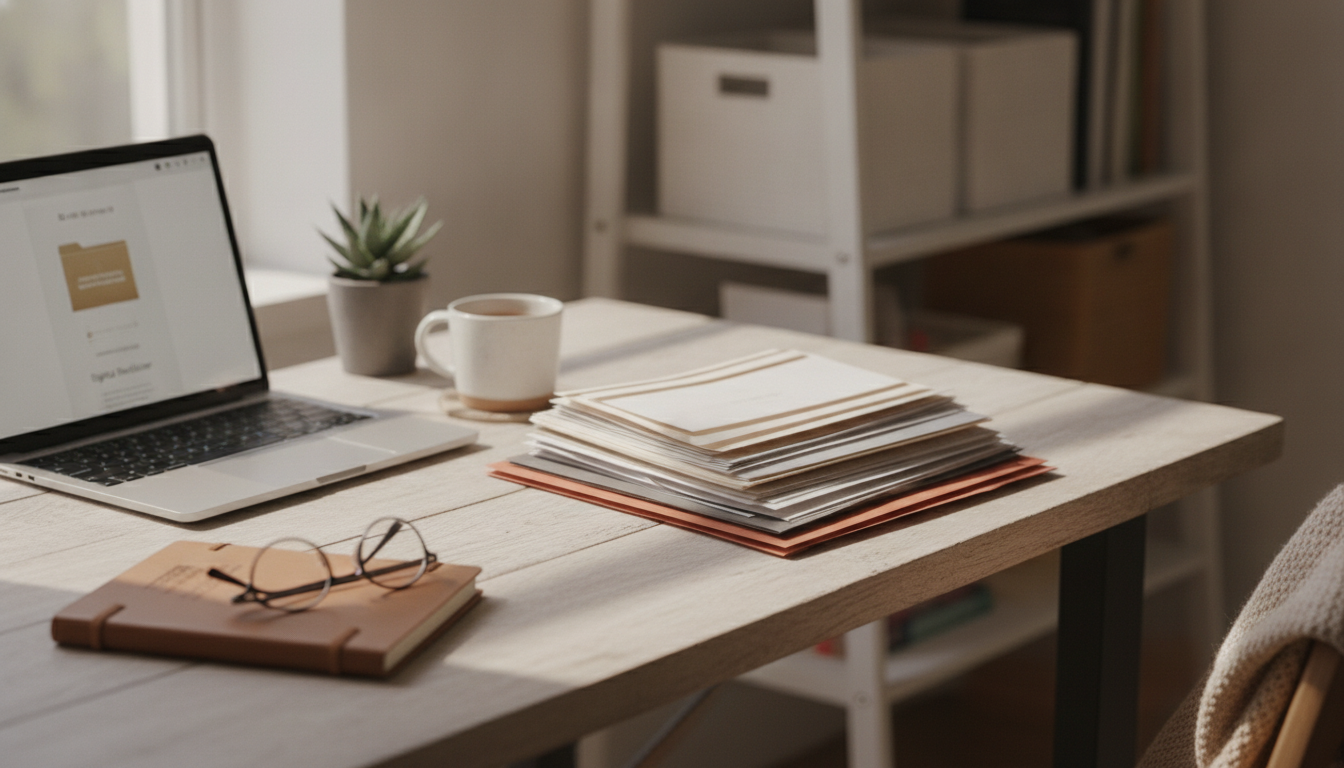
Paper Calm at Home: A Simple System for Sorting, Filing, and Letting Go
Paper clutter builds quietly—mail piles up, warranties vanish, and important forms get buried under “deal with later.” A calm paper routine doesn’t require perfection; it needs clear categories, a repeatable workflow, and a filing structure that matches real life. The result is faster retrieval, fewer duplicates, and a home office that stays manageable week to week.
What “paper calm” looks like in daily life
- Incoming papers have a single landing spot instead of spreading across counters and desks.
- Every sheet has one of four outcomes: act, file, scan, or recycle/shred.
- Frequently needed documents are reachable in under a minute.
- Long-term records are stored consistently with names and dates that are easy to recognize.
- A short weekly reset prevents backsliding without marathon cleanup days.
Paper calm feels less like “being organized” and more like removing friction. When you know exactly where today’s mail goes and exactly what “done” looks like for each piece of paper, the piles stop forming.
Set up the essentials before sorting anything
- Choose one “inbox” container: tray, basket, or vertical file—large enough for a week of paper.
- Gather supplies: sticky notes, pen, recycling bin, shred bag (or shredder), and a simple folder set.
- Create a temporary “decisions” zone: a clear surface or box for items that require a choice.
- Decide on digital tools (optional): phone scanner app, cloud folder, and a consistent file naming pattern.
- Pick a time boundary: 20–30 minutes per session prevents decision fatigue.
Set everything within arm’s reach. If shredding means walking to another room, sensitive mail will “wait” on the nearest flat surface—and that’s how the cycle restarts. For disposal guidance, the Federal Trade Commission offers practical tips on protecting personal information when discarding documents.
The four-step workflow: sort, reduce, file, maintain
1) Sort fast (don’t read everything)
- Sort quickly first: separate obvious trash, time-sensitive items, and keepers without reading every page.
- Use the “one-touch” rule when possible: open mail near recycling/shred so junk never lands on a desk.
2) Reduce duplicates
- Reduce duplicates: keep the most complete version (final bill, final contract, latest statement) and discard extras.
- If you can re-download it in minutes, the paper version usually isn’t earning its space.
3) File by purpose, not by source
- File by purpose, not by source: group by “Home,” “Health,” “Taxes,” “Kids/School,” “Auto,” “Work,” and “Insurance.”
- This prevents the “Where would I look for it?” problem—because the answer stays consistent even when vendors change.
4) Maintain with a rhythm
- Maintain with a rhythm: process the inbox weekly and do a deeper archive check quarterly or twice a year.
- Short sessions beat rare marathon cleanup days, especially for decision-heavy categories like insurance and medical paperwork.
A printable filing system that stays simple
- Use broad categories to prevent over-splitting (too many folders creates more work).
- Label folders with clear nouns and date cues: “Medical—2026,” “Home Repairs—Receipts,” “Auto—Registration.”
- Keep active files close (current year, frequently referenced) and archive older years separately.
- Store reference documents (manuals, appliance info) near where they’re used or in one dedicated binder.
- Maintain a short “Action” folder for items that must be handled within 7–14 days.
| Category | What goes inside | Keep handy? | Typical retention |
|---|---|---|---|
| Action / To Pay / To Call | Bills to pay, forms to submit, follow-up notes | Yes | Clear weekly |
| Home | Lease/mortgage, repairs, receipts, warranties | Some | As long as owned + key warranty periods |
| Health | EOBs, test results, vaccination records, receipts | Some | Multi-year; keep key records long-term |
| Taxes | W-2/1099, receipts, prior returns, donation records | Seasonal | Several years (check local guidance) |
| Auto | Registration, insurance, maintenance records | Some | As long as owned; maintenance history helps resale |
| Identity & Legal | Birth certificate copies, passports, wills, deeds | Secure | Long-term; store originals safely |
For tax categories, retention rules vary, but the IRS recordkeeping guidance is a reliable reference point when deciding what to keep and for how long.
Going minimalist: what to keep, what to let go
For broad personal-record guidance—especially when you’re unsure what counts as “historically important” for your household—the National Archives is a helpful starting point.
Digital decluttering that supports (not replaces) paper organization
A weekly routine to keep paper from coming back
A guided, printable system for home office paper management
- For a ready-to-use option, see: Paper Calm at Home | Digital Decluttering Guide, Printable Filing System, Home Office Organization, eBook for Paper Management, Minimalist Digital Download.
- To make your reset sessions feel calmer and more inviting, consider a small, dedicated “paper corner” accent like the Nordic Girl Diver Reading Figurine—a visual cue that the space is for focused, quiet progress.
FAQ
How long does it take to get a home paper system under control?
A small space can feel dramatically better in 1–3 short sessions, while larger backlogs often take 2–4 weeks using 20–30 minute blocks. Once the initial pass is done, a weekly inbox reset keeps the piles from returning.
What papers should be kept as originals instead of scanned copies?
Keep originals of documents that are difficult to replace or may require an original seal, such as birth certificates, passports, titles/deeds, notarized documents, and certain legal agreements. Store them in a safe or secure box, and keep scanned backups for quick access.
What is the easiest filing structure for someone who hates organizing?
Use broad categories with minimal subfolders, one “Action” folder, and a single archive box per year. Label clearly, process the inbox weekly, and avoid special “someday” piles that don’t have a defined home.












Leave a comment